One goal.
Everything connected.
Four steps from the day you choose your race to the day you race it.
Choose your race
Pick your event from a catalog of 50, or add your own with its sport, distance and date. Running, cycling or triathlon, from your first 5 km to the full 140.6.
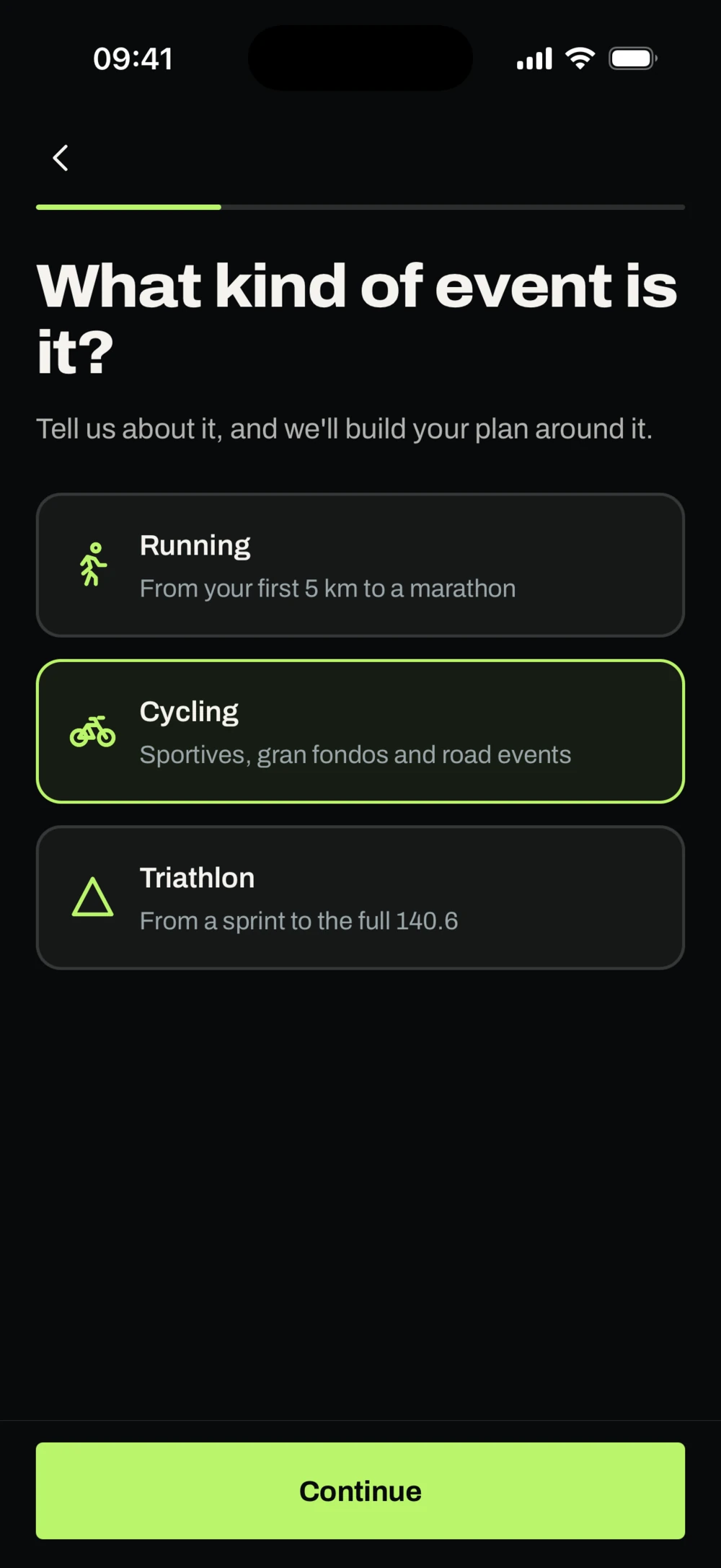
A real screen from the FNISH app, with sample data.
Build your plan
Tell FNISH your level and the days you can train. You get a plan for the next two weeks and a season to race day, with every session explained.
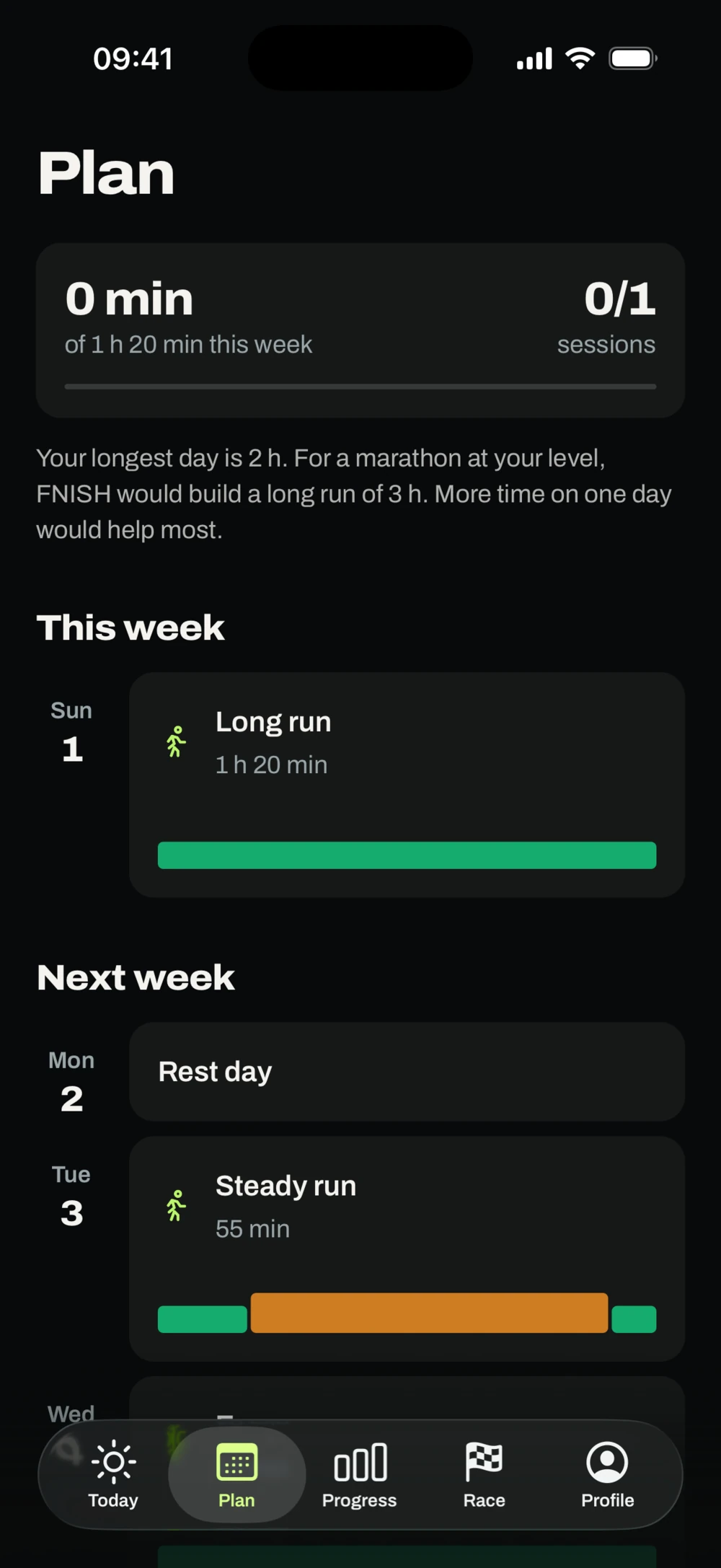
A real screen from the FNISH app, with sample data.
Adapt as you go
Miss a session, go too hard or lose a few days to illness, and the plan responds. Every change says what changed and why, and nothing is added later to make up for it.
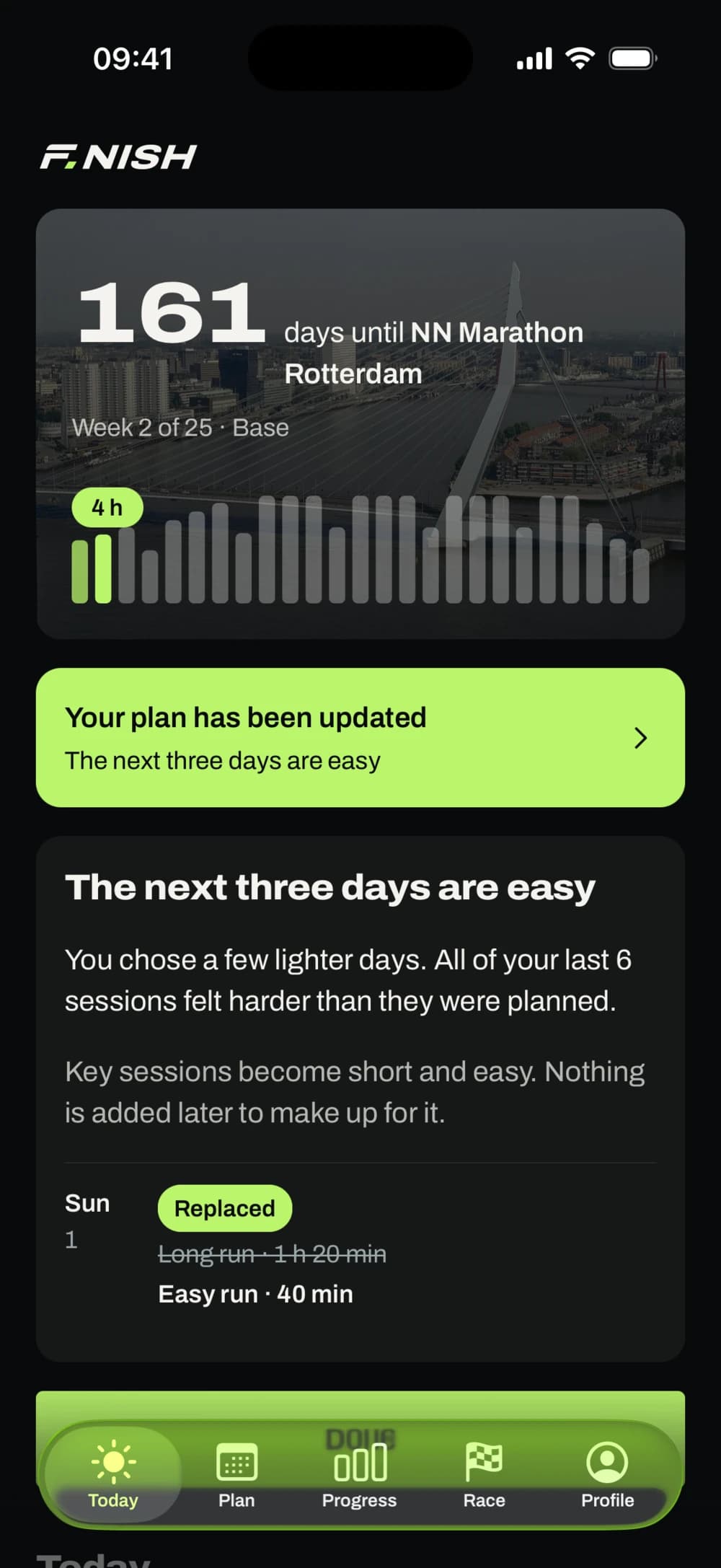
A real screen from the FNISH app, with sample data. FNISH isn't connected to this race's organiser. Photo: Gerard Dukker, CC BY-SA 4.0.
Arrive prepared
Pacing, the fueling you've practised, a checklist and a race-day plan, where each line says what it rests on.
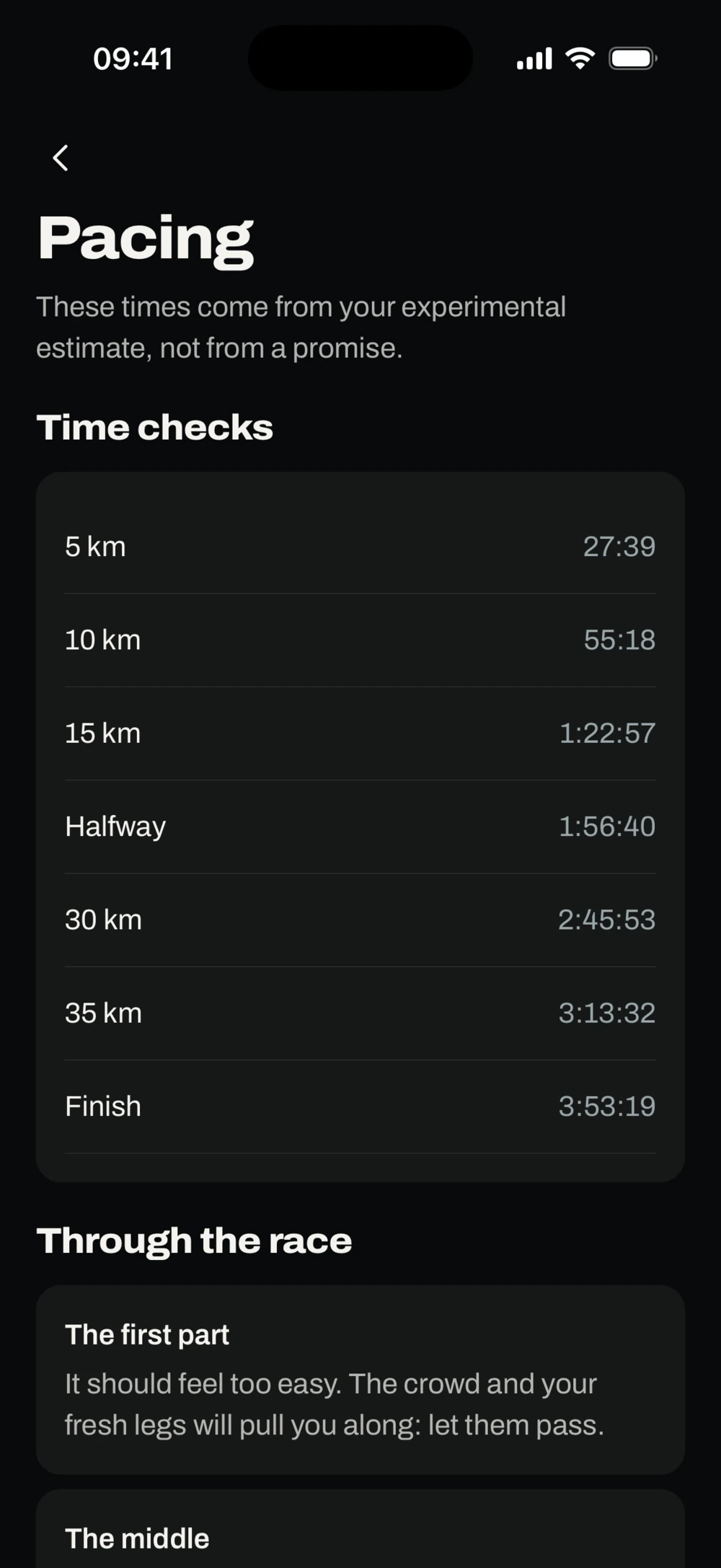
A real screen from the FNISH app, with sample data.
Questions about how it works
Does AI write my workouts?
No. A training engine with fixed rules and safety checks builds the plan, and it still works on a day without AI. AI reviews the plan after your sessions and can adjust upcoming ones, but only after those checks, and you see what changed. The coach only suggests changes: nothing happens until you say yes.
Is this based on research?
FNISH keeps a library of 150+ studies in its own words, which plan reviews read and the coach can look up. No qualified coach or dietitian has reviewed it yet, so we don't call FNISH science-based.
Do I need a smartwatch or a power meter?
No, your phone is enough. An Apple Watch puts your session on your wrist, and a heart rate strap or power meter can connect by Bluetooth while you train.
Can FNISH use my Strava history?
No. FNISH reads nothing from Strava, and that's on purpose, because of what Strava's agreement allows. You can upload sessions you record with FNISH to Strava, and import FIT, TCX and GPX files from your own watch or bike computer.
Will FNISH guarantee I'm ready for my race?
No plan can guarantee that. FNISH helps you prepare well; how race day goes still depends on you, your health and the day itself. The finishing time it shows is an experimental estimate, as a range.
What about injuries or illness?
Safety comes first. Tell FNISH you're ill or in pain and it won't add intensity, and it points you to a professional. Signs of tiredness aren't a diagnosis, and FNISH doesn't give medical advice.
Your finish starts here.
One race. One complete plan. An app that brings your training, fueling practice and race-day preparation together around the race you’re training for.


Coming soon to the App Store and Google Play.